

Shift-Left Testing in DevOps: A Beginner’s Guide to Preventing Defects Early
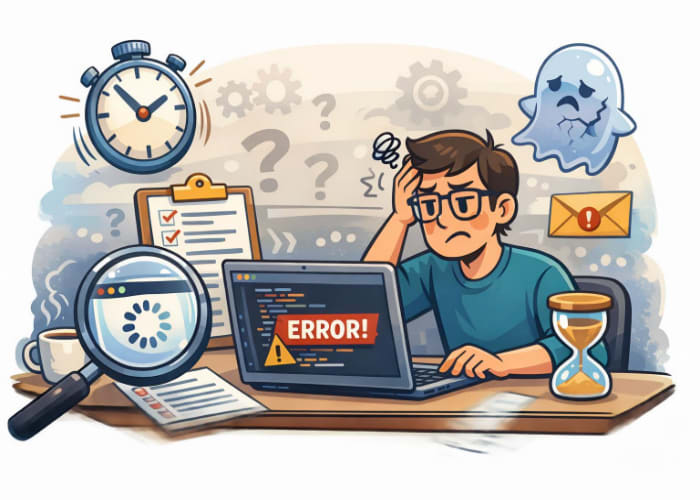
Flaky tests are one of the biggest frustrations for new automation testers. One day your script passes, the next day it fails — even though nothing changed. Most of the time, the culprit isn’t Selenium, your code, or the application. It’s timing.
Modern web applications are dynamic. Elements load asynchronously, animations delay interactions, and network conditions vary. If your script tries to click, type, or assert something before the browser is ready, your test becomes unreliable.
This is where waits come in. Understanding waits is one of the most important skills for beginner and intermediate QA testers who want to write stable, trustworthy automation.
🌟 Why Waits Matter
Selenium executes commands much faster than a real user. Without waits, Selenium may:
- Try to click an element before it appears
- Assert text before the page finishes loading
- Interact with elements still covered by loaders or animations
- Fail because the DOM updated a split second later
Waits help your script pause intelligently until the browser is ready — not too early, not too late.
🧠 Types of Waits in Selenium
Selenium provides three main types of waits:
- Implicit Waits
- Explicit Waits
- Fluent Waits
Each has a purpose, and knowing when to use which one is the key to eliminating flakiness.
1️⃣ Implicit Waits
Implicit waits tell Selenium:
“Whenever you try to find an element, keep trying for X seconds before failing.”
✔️ Good for:
- Simple scripts
- Pages with predictable load times
❌ Not good for:
- Complex, dynamic applications
- Waiting for specific conditions (visibility, clickability, etc.)
Example (Java):
```java driver.manage().timeouts().implicitlyWait(Duration.ofSeconds(10));





🗨️ Reader Comments