


What Is Software Testing? A Beginner’s Guide to the Basics
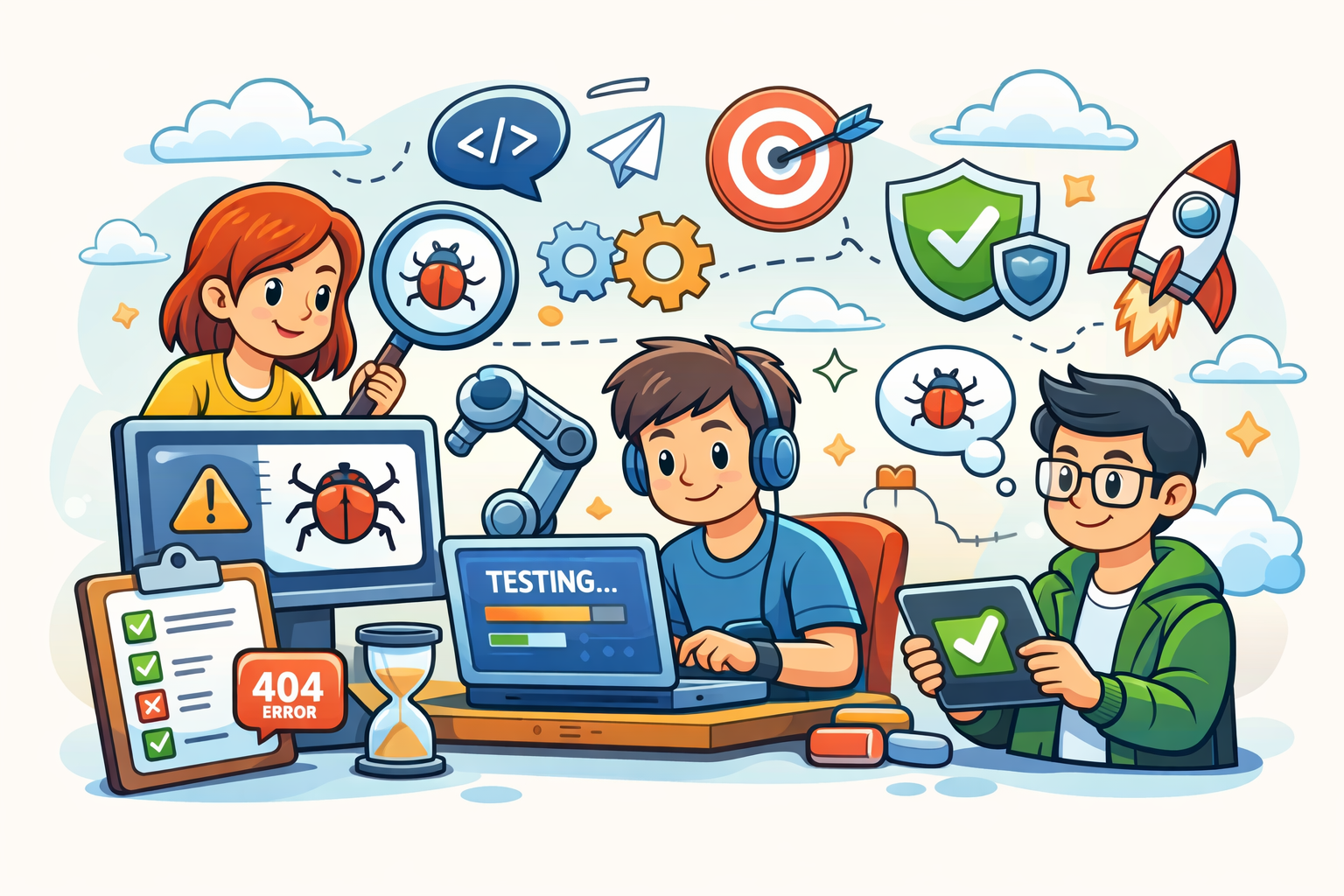
Software testing is one of the most important parts of building reliable, user‑friendly applications — yet it’s also one of the most misunderstood. Many new testers think testing is just “clicking around” or “finding bugs,” but the truth is far richer. Testing is a structured discipline that ensures software works as expected, protects users from defects, and gives teams confidence to release.
If you’re new to QA or exploring a career in software testing, this guide will walk you through the fundamentals in a clear, beginner‑friendly way. By the end, you’ll understand what testing is, why it matters, the different types of testing, and how testers contribute to modern software development.
What Is Software Testing?
Software testing is the process of evaluating an application to ensure it behaves correctly, meets requirements, and provides a good user experience. Testers look for defects, inconsistencies, usability issues, and risks before the product reaches real users.
At its core, software testing answers three questions:
- Does the software do what it’s supposed to do?
- Does it behave correctly in different scenarios?
- Is it reliable, secure, and user‑friendly?
Testing isn’t just about finding bugs — it’s about preventing them, improving quality, and helping teams deliver better software.
Why Software Testing Matters
Even small defects can cause major problems. A broken login button, a miscalculated tax value, or a crash during checkout can frustrate users and damage a company’s reputation.
Here’s why testing is essential:
1. It Improves Product Quality
Testing ensures the software meets functional and non‑functional requirements. This includes performance, usability, security, and accessibility.
2. It Reduces Costs
Fixing bugs early is far cheaper than fixing them after release. Testing helps catch issues before they reach production.
3. It Builds User Trust
Reliable software leads to better user satisfaction, fewer complaints, and stronger brand loyalty.
4. It Supports Continuous Delivery
Modern development practices like Agile and DevOps rely on fast, reliable feedback loops — and testing is at the center of that.
The Role of a Software Tester
A tester’s job goes far beyond executing test cases. Testers:
- Analyze requirements
- Identify risks
- Design test scenarios
- Execute manual or automated tests
- Report defects clearly
- Collaborate with developers, product owners, and designers
- Advocate for the user experience
Good testers think critically, ask questions, and explore the product from multiple angles. They help teams make informed decisions about quality.
Types of Software Testing
Testing can be categorized in many ways, but here are the most important types beginners should know.
1. Manual Testing
Manual testing is performed by a human tester who interacts with the application without automation tools. It’s ideal for:
- Exploratory testing
- Usability testing
- Visual checks
- Early-stage features
Manual testing helps testers understand the product deeply and uncover issues automation might miss.
2. Automated Testing
Automated testing uses scripts and tools to execute tests quickly and repeatedly. It’s best for:
- Regression testing
- Repetitive tasks
- Large test suites
- Continuous integration pipelines
Common automation tools include Selenium, Playwright, Cypress, and Appium.
Automation doesn’t replace manual testing — it complements it. Testers decide what should be automated and what requires human judgment.
3. Functional Testing
Functional testing verifies that the software behaves according to requirements. Examples include:
- Login functionality
- Form submissions
- API responses
- Business rules
If a feature doesn’t work as expected, functional testing will catch it.
4. Non‑Functional Testing
Non‑functional testing checks qualities like:
- Performance
- Security
- Accessibility
- Reliability
- Load handling
These tests ensure the software is not only correct but also efficient and user‑friendly.
5. Regression Testing
Regression testing ensures that new changes haven’t broken existing functionality. It’s one of the most important testing activities in Agile teams.
Automated regression suites are common because they save time and provide fast feedback.
6. Exploratory Testing
Exploratory testing is unscripted, creative, and investigative. Testers explore the application to uncover unexpected issues.
It’s especially useful when:
- Requirements are unclear
- A new feature is introduced
- You want to find edge cases
Exploratory testing often reveals defects that scripted tests miss.
7. User Acceptance Testing (UAT)
UAT is performed by end users or business stakeholders to confirm the software meets real‑world needs. It’s the final validation before release.
The Software Testing Life Cycle (STLC)
Testing follows a structured process known as the Software Testing Life Cycle. While different teams adapt it to their workflow, the core stages remain similar.
1. Requirement Analysis
Testers review requirements, user stories, and acceptance criteria to understand what needs to be tested.
2. Test Planning
The team decides:
- What to test
- How to test
- Which tools to use
- Who will perform the tests
- What the timelines are
3. Test Design
Testers create:
- Test scenarios
- Test cases
- Test data
- Automation scripts (if applicable)
4. Test Execution
Tests are executed manually or through automation. Defects are logged with clear steps, screenshots, and severity levels.
5. Defect Reporting & Retesting
Developers fix issues, and testers retest to confirm the fix.
6. Test Closure
The team reviews:
- What was tested
- What was not tested
- Lessons learned
- Quality metrics
Common Testing Artifacts
Beginners often hear terms like “test case” or “test plan.” Here’s what they mean.
Test Case
A detailed step‑by‑step instruction to validate a specific scenario.
Test Scenario
A high‑level description of what to test.
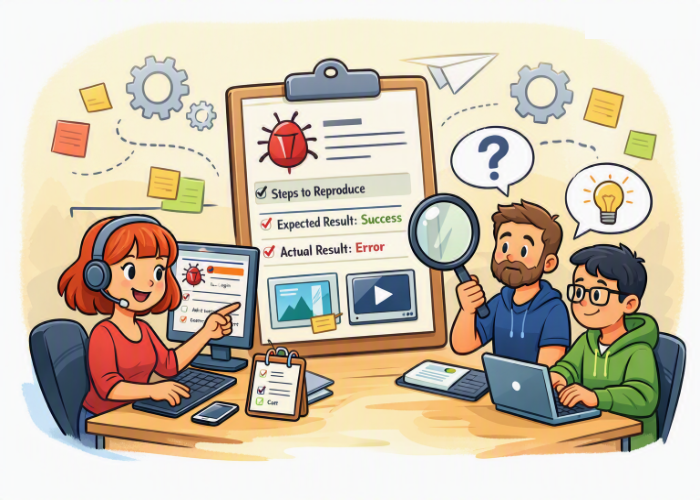
Bug Report
A documented defect including:
- Steps to reproduce
- Expected vs. actual results
- Severity and priority
- Screenshots or logs
Test Plan
A document outlining the testing strategy, scope, tools, and timelines.
Essential Skills for New Testers
You don’t need a computer science degree to start in QA — but you do need curiosity, communication skills, and a willingness to learn.
Here are the most important skills:
1. Critical Thinking
Testers ask questions like:
- What happens if I do this?
- What could go wrong?
- Does this make sense to the user?
2. Attention to Detail
Small issues can cause big problems.
3. Communication
Clear bug reports and discussions help teams fix issues faster.
4. Basic Technical Knowledge
Understanding APIs, databases, and UI behavior helps testers test more effectively.
5. Familiarity With Tools
Examples include:
- Jira or Azure DevOps (for tracking)
- Postman (for API testing)
- Selenium or Cypress (for automation)
6. Curiosity and Empathy
Great testers think like users — and sometimes like mischievous users.
Testing in Agile and DevOps
Modern teams use Agile and DevOps practices, which means testing happens continuously, not just at the end.
In Agile:
- Testing is integrated into every sprint
- Testers collaborate closely with developers
- Requirements evolve over time
- Exploratory testing is highly valuable
In DevOps:
- Automation is essential
- CI/CD pipelines run tests automatically
- Fast feedback loops help teams release frequently
Testers play a key role in enabling continuous delivery by ensuring quality at every stage.
Common Myths About Software Testing
Myth 1: Testing is easy
Testing requires analytical thinking, creativity, and technical understanding.
Myth 2: Testers just find bugs
Testers prevent bugs, improve usability, and help shape the product.
Myth 3: Automation replaces testers
Automation handles repetitive tasks — but humans handle exploration, risk analysis, and user empathy.
Myth 4: Testing happens at the end
In modern development, testing happens continuously.
How to Start a Career in Software Testing
If you’re just beginning, here’s a simple roadmap:
- Learn the basics of testing concepts
- Practice writing test cases and bug reports
- Explore tools like Postman, Jira, and Selenium
- Build small automation scripts
- Create a portfolio (GitHub is perfect for this)
- Apply for junior QA or QA analyst roles
Testing is a rewarding career with many growth paths, including automation, performance testing, security testing, and QA leadership.
Final Thoughts
Software testing is more than a job — it’s a mindset. It’s about curiosity, quality, and protecting the user experience. Whether you’re testing manually, writing automation scripts, or exploring new features, your work directly impacts the success of the product.
As you continue learning, you’ll discover that testing is both challenging and deeply rewarding. And with the rise of Agile and DevOps, skilled testers are more valuable than ever.
If you’re ready to dive deeper, explore more articles on qmstesting.com — your journey into QA is just beginning.


🗨️ Reader Comments