


What Is Test Automation? A Beginner’s Guide to Getting Started

Introduction
If you’re new to software testing, you’ve probably heard the phrase test automation tossed around in team meetings, job descriptions, or DevOps discussions. And if you’re wondering what it actually means — and whether you need to learn it — you’re in the right place.
As a QA tester who has worked with both manual and automated testing, I can tell you this: test automation isn’t about replacing testers. It’s about helping testers work smarter, faster, and with more confidence.
Let’s break it down in a simple, practical way.
What Is Test Automation?
Test automation is the practice of using software tools to execute tests automatically, compare actual results with expected results, and report outcomes — all with minimal human intervention.
Instead of manually clicking through the same steps every time you test a feature, automation lets you:
- Run tests quickly and repeatedly
- Catch regressions early
- Free up time for exploratory and usability testing
- Improve consistency and reduce human error
Think of automation as a reliable assistant that handles repetitive tasks so you can focus on deeper testing.
Why Test Automation Matters
Automation becomes more valuable as applications grow. Here’s why teams rely on it:
- Speed — Automated tests run in minutes, not hours.
- Repeatability — You can run the same test 100 times and get consistent results.
- Coverage — Automation helps you test more scenarios than manual testing alone.
- Early feedback — Automated tests often run in CI/CD pipelines, catching issues before they reach production.
- Cost savings — While automation requires upfront effort, it reduces long-term testing costs.
If your team releases frequently or works in Agile/DevOps environments, automation isn’t optional — it’s essential.
What Test Automation Is Not
A common misconception is that automation replaces manual testing. It doesn’t.
Automation cannot:
- Think like a user
- Identify visual or UX issues
- Explore unexpected behaviors
- Replace human intuition
Manual and automated testing complement each other. Automation handles the repetitive checks; humans handle the creative, investigative work.
Types of Tests You Can Automate
Not every test should be automated, but many can be. Here are the most common types:
1. Unit Tests
Small, fast tests written by developers to validate individual functions or components.
2. API Tests
Tests that validate backend services, endpoints, and data responses.
3. UI Tests
End‑to‑end tests that simulate user interactions in the browser or mobile app.
4. Regression Tests
Automated checks that ensure existing features still work after changes.
5. Smoke Tests
Quick tests that verify the application is stable enough for deeper testing.
Popular Test Automation Tools
There’s no single “best” tool — it depends on your tech stack and goals. Here are widely used options:
- Selenium — Browser automation for web apps
- Playwright — Modern, fast, reliable end‑to‑end testing
- Cypress — Developer-friendly UI testing for JavaScript apps
- Postman / Newman — API testing and automation
- JUnit / NUnit / TestNG — Unit testing frameworks
- Appium — Mobile app automation
If you’re just starting out, Playwright and Cypress are beginner-friendly choices for UI testing.
When Should You Automate a Test?
A good rule of thumb: automate tests that are stable, repeatable, and high-value.
Automation is ideal for:
- Tests you run frequently
- Tests with predictable outcomes
- Regression and smoke suites
- Data-driven scenarios
- API-level validations
Avoid automating:
- Tests that change often
- One-time or low-value scenarios
- Complex workflows still under heavy development
How to Get Started With Test Automation
Here’s a simple roadmap for beginners:
1. Learn the Basics of Testing First
Automation is easier when you understand test design, test cases, and QA fundamentals.
2. Pick One Tool and Stick With It
Don’t try to learn everything at once. Choose a tool that fits your project and skill level.
3. Start Small
Automate simple, stable test cases first — like login, navigation, or API health checks.
4. Understand the Application Under Test
Know the architecture, APIs, UI behavior, and data flows.
5. Learn a Programming Language
Most automation tools require coding. JavaScript, Python, and Java are common choices.
6. Integrate With CI/CD
Once your tests are stable, run them automatically in your pipeline.
7. Keep Your Tests Maintainable
Use good practices: page object models, reusable functions, clear naming, and modular design.
Common Challenges (and How to Avoid Them)
Even experienced testers run into these issues:
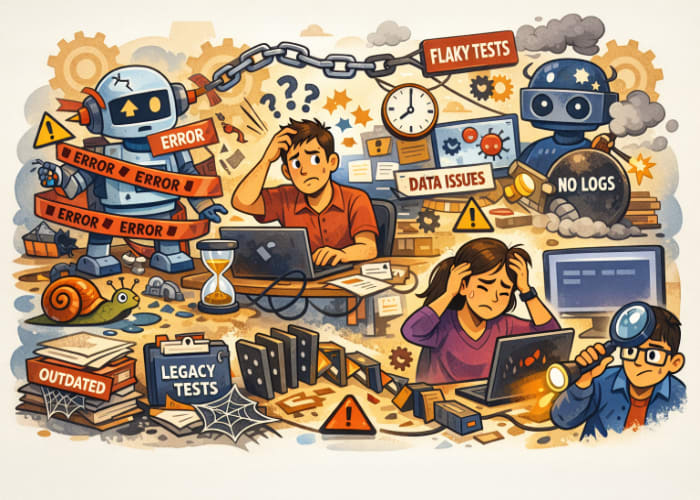
- Flaky tests — Caused by timing issues, unstable locators, or network delays
- Over-automation — Automating everything leads to high maintenance costs
- Poor test design — Automation can’t fix unclear or incomplete test cases
- Lack of collaboration — Automation works best when QA and developers work together
The key is to start small, iterate, and treat automation as part of the development lifecycle — not an afterthought.
Final Thoughts
Test automation is one of the most valuable skills you can develop as a QA tester. It opens doors to new roles, improves team efficiency, and helps deliver higher-quality software.
But remember: automation is a tool, not a replacement for thoughtful testing. Start with the basics, build gradually, and focus on creating tests that truly add value.
You don’t need to be a senior engineer to get started — just curious, patient, and willing to learn.




🗨️ Reader Comments