


How to Get Started as a New QA Tester in DevOps

Introduction
Quality Assurance (QA) in DevOps is no longer about testing at the end of a project. In modern software teams, QA is woven into every stage of development — from planning to deployment. If you’re a new tester entering a DevOps environment, this guide will help you understand your role, the tools you’ll use, and how to succeed.
Why QA Matters in DevOps
In traditional software development, QA acted as a final checkpoint before release. But DevOps changes that.
Today, QA is a continuous partner in the pipeline — ensuring quality from the moment code is written until it’s deployed to production.
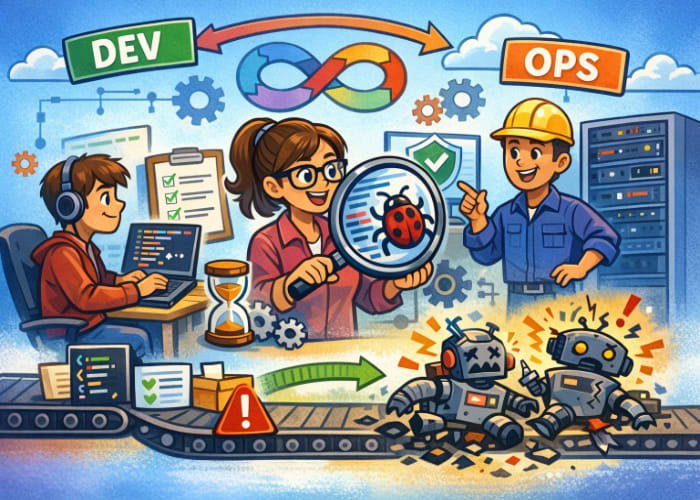
According to recent DevOps training resources, DevOps is a cultural shift where development, QA, and operations collaborate continuously to deliver software faster and more reliably.
This means:
- QA is involved early and often
- Testing becomes continuous, not a final phase
- Automated tests support fast feedback loops
- Quality becomes a shared responsibility
What Does QA Do in a DevOps Team?
As a QA tester in DevOps, your responsibilities expand beyond manual testing. You help ensure quality at every stage of the pipeline.
Your key responsibilities include:
✔ 1. Writing and Managing Automated Tests
Automated tests are essential for CI/CD pipelines. They validate every code commit and catch regressions early.
Modern DevOps pipelines rely heavily on automated unit, API, UI, and end‑to‑end tests to support fast, safe deployments.
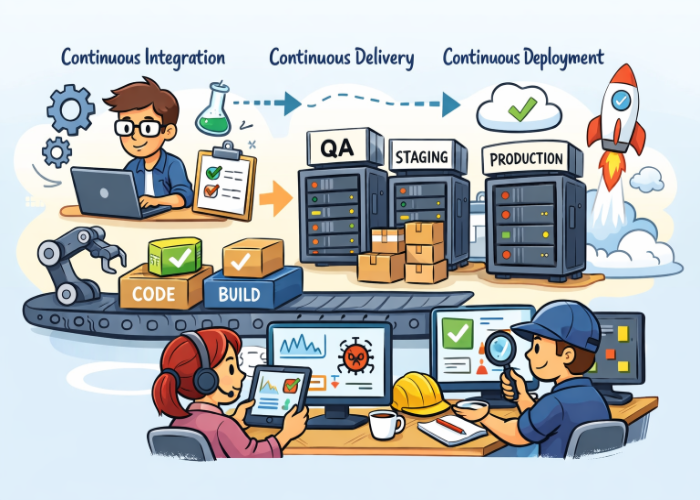
✔ 2. Supporting Continuous Integration (CI)
Every time developers push code, automated tests run.
Your job is to ensure:
- Tests are reliable
- Failures are meaningful
- Results are easy to interpret
✔ 3. Supporting Continuous Delivery (CD)
QA helps ensure that deployments are safe by:
- Defining quality gates
- Ensuring test coverage
- Monitoring release readiness
✔ 4. Providing Fast, Actionable Feedback
DevOps thrives on speed.
Your feedback must be:
- Clear
- Timely
- Actionable
✔ 5. Collaborating Across Teams
You’ll work closely with:
- Developers
- Product owners
- Operations/DevOps engineers
This collaboration ensures quality is built into the product — not inspected in at the end.
How QA Fits Into the DevOps Pipeline
A DevOps pipeline typically includes:
- Plan – Requirements, user stories
- Code – Development
- Build – Compile and package
- Test – Automated + manual testing
- Release – Approvals and quality gates
- Deploy – Push to environments
- Monitor – Logs, metrics, user feedback
QA plays a role in every stage:
| Pipeline Stage | QA Responsibilities |
|---|---|
| Plan | Review acceptance criteria, define test strategy |
| Code | Pair with developers, prepare test data |
| Build | Ensure automated tests run on every commit |
| Test | Execute manual tests, maintain automated suites |
| Release | Validate quality gates, review test results |
| Deploy | Support smoke tests, verify environment readiness |
| Monitor | Track bugs, analyze failures, improve tests |
QA Tools Commonly Used in DevOps
Azure DevOps
Azure DevOps is one of the most complete platforms for QA and DevOps collaboration. It includes:
- Azure Boards – User stories, bugs, tasks
- Azure Repos – Git repositories
- Azure Pipelines – CI/CD automation
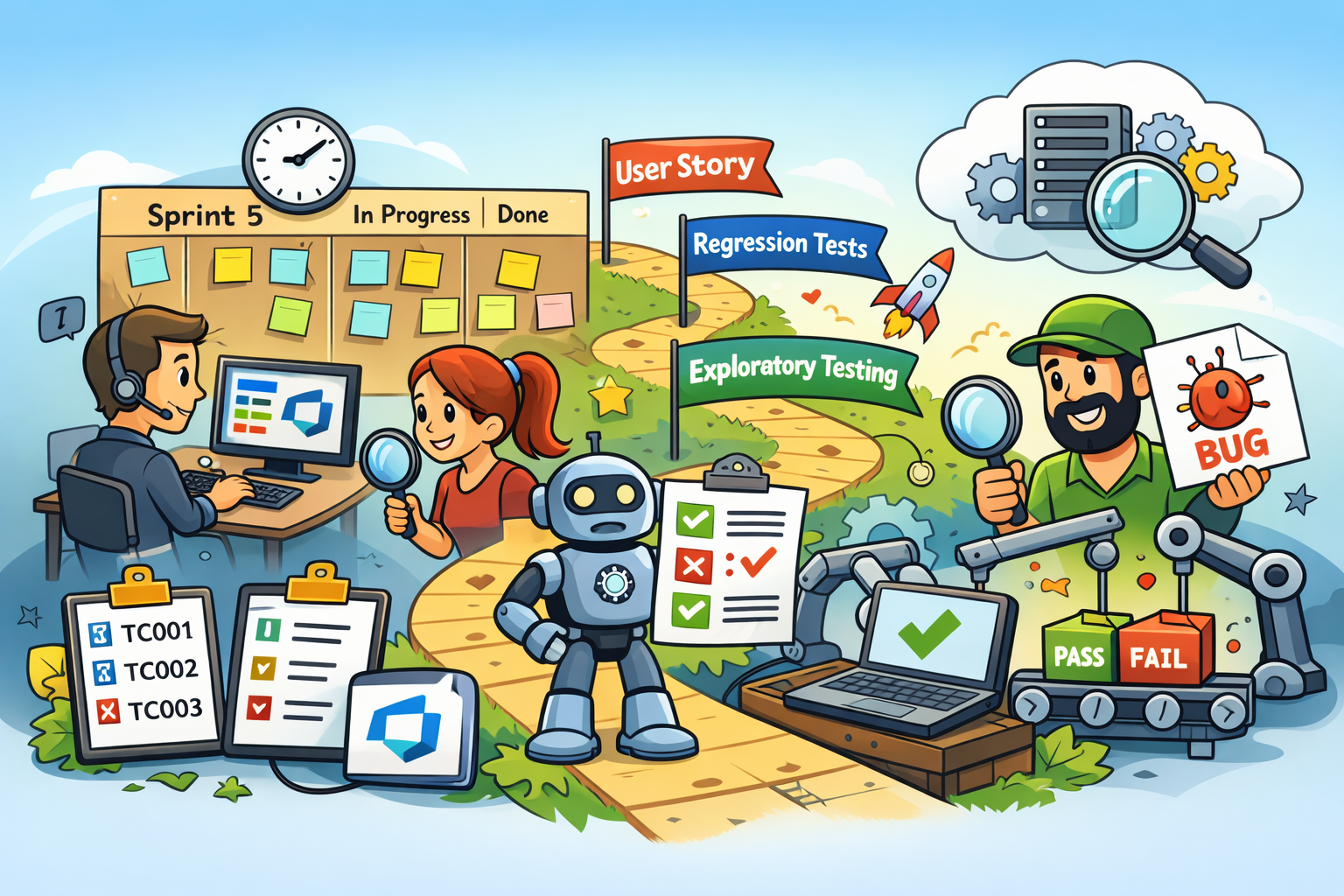
- Azure Test Plans – Manual + exploratory testing
- Azure Artifacts – Package management
For QA engineers, Azure DevOps provides everything needed to manage test cases, run tests, log bugs, and integrate automated tests into pipelines.
Other Common Tools
- GitHub Actions – CI/CD automation
- Jenkins – Build and test automation
- Selenium / Playwright – UI automation
- Postman / REST Assured – API testing
- Docker – Containerized test environments
- Kubernetes – Deploying and testing at scale
Manual Testing Still Matters
Even in DevOps, manual testing is still important — especially for:
- Exploratory testing
- Usability testing
- Edge cases
- Visual checks
- Early-stage feature validation
Azure Test Plans, for example, is widely used for manual test case management and execution, especially for teams transitioning from manual to automated testing.
How to Get Started as a New QA Tester in DevOps
Here’s a simple roadmap to help you grow:
1. Learn the Basics of DevOps
Understand CI/CD, pipelines, version control, and environments.
Beginner DevOps roadmaps emphasize learning Git, Linux basics, and CI/CD fundamentals early in your journey.
2. Strengthen Your Testing Foundations
Know the core testing types:
- Unit
- Integration
- API
- UI
- Performance
- Security
- Regression
3. Start with Manual Testing in Azure DevOps
Practice:
- Creating test plans
- Writing test cases
- Executing test runs
- Logging bugs
- Linking tests to user stories
These are core QA skills in DevOps environments.
4. Learn Test Automation Gradually
Start with:
- API automation (easier than UI)
- UI automation with Selenium or Playwright
- Integrating tests into CI pipelines
5. Understand Pipelines
Learn how automated tests run in:
- Azure Pipelines
- GitHub Actions
- Jenkins
6. Collaborate Constantly
Ask questions. Pair with developers. Join standups.
DevOps is built on communication.
Best Practices for QA in DevOps
✔ Shift Left
Test early and often.
Review requirements before development begins.
✔ Automate the Right Tests
Automate:
- Repetitive tests
- Regression tests
- API tests
- Smoke tests
Avoid automating:
- Highly visual tests
- Constantly changing UI elements
✔ Keep Tests Fast
Slow tests slow down the entire pipeline.
✔ Maintain Traceability
Link:
- Test cases → User stories
- Bugs → Test cases
- Automated tests → Pipelines
Azure DevOps provides excellent traceability features for this purpose.
✔ Monitor Production
Use logs, dashboards, and alerts to catch issues early.
Conclusion
QA in DevOps is about continuous quality, not just testing.
As a new QA tester, your role is essential in ensuring that software is delivered:
- Faster
- Safer
- With fewer bugs
- With higher confidence
By learning automation, understanding pipelines, and collaborating closely with your team, you’ll become a strong QA contributor in any DevOps environment.


🗨️ Reader Comments