


How to Best Structure Your Test Plans for an Azure DevOps Sprint
Introduction
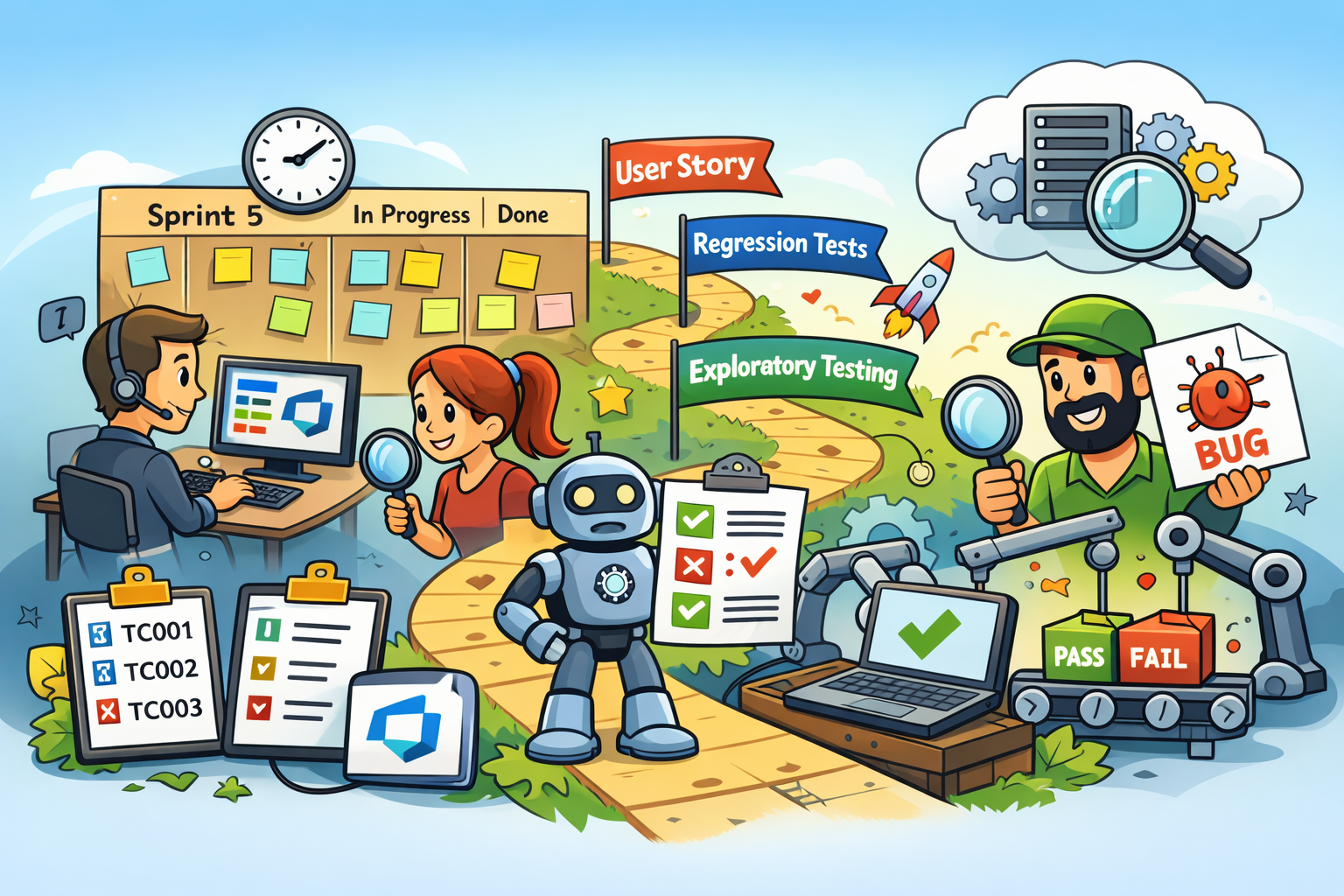
A well‑structured Azure DevOps Test Plan is one of the most important foundations of a predictable, traceable, and efficient sprint. When your test plan mirrors your sprint backlog, aligns with your iteration path, and cleanly separates story testing from regression and exploratory work, your QA process becomes dramatically easier to manage.
This guide walks you through exactly how to structure your Azure DevOps Test Plans for a sprint, including:
- How to set up the hierarchy correctly
- How to align suites with User Stories
- How to organize regression, exploratory, and integration testing
- How to maintain traceability across the sprint
- How to incorporate automation without cluttering your test plan
Let’s build a sprint test structure that actually works.
Why Structure Matters in Sprint-Based Testing
In Agile, each sprint delivers a slice of working software. Testing must follow the same rhythm:
- Clear coverage of every User Story
- Fast feedback loops
- Traceability for sprint review
- Regression protection
- Clean separation between sprint testing and long-term test assets
A structured test plan ensures that:
- Testers know exactly what to execute
- Developers can see coverage and results
- Product Owners can validate acceptance criteria
- Bugs are linked to the right stories
- Automated results flow into the correct sprint
Without structure, your test plan becomes a dumping ground. With structure, it becomes a reliable quality system.
Understanding the Azure DevOps Test Plan Hierarchy
Azure DevOps organizes test management into four layers:
1. Test Plan
A container for all test suites and test cases for a sprint.
2. Test Suites
Used to group test cases. Azure DevOps supports:
- Requirement-based Suites — automatically include test cases linked to a User Story
- Static Suites — manually curated
- Query-based Suites — dynamically populated using WIQL
3. Test Cases
Individual test scenarios with steps, expected results, attachments, and parameters.
4. Test Runs
Execution records that capture pass/fail results.
Recommended Sprint Test Plan Structure
Here is the structure that works best for most Agile teams:
Sprint 5 – Authentication & Dashboard (Test Plan)
│
├── User Story Suites (Requirement-based)
│     ├── US-101 Login with valid credentials
│     │     ├── TC001 Valid login
│     │     └── TC002 Invalid login
│     └── US-102 Dashboard data rendering
│           ├── TC003 Data loads correctly
│           └── TC004 Error handling
│
├── Regression Suite (Query-based)
│     ├── TC001 Valid login
│     └── TC003 Data loads correctly
│
└── Exploratory Testing (Static)
      └── Session-based notes, charters, and ad-hoc tests
This structure keeps sprint testing clean and traceable while still supporting regression and exploratory work.
Step-by-Step: How to Structure Your Sprint Test Plan
Step 1: Create One Test Plan per Sprint
- Go to Test Plans
- Select New Test Plan
- Use a consistent naming pattern:
Sprint_05_Test_PlanSprint 5 – Authentication & Dashboard
- Set the Iteration Path to the sprint (e.g.,
ProjectName\Sprint 5)
Why:
This keeps your sprint reporting clean and prevents test cases from bleeding across sprints.
Step 2: Add Requirement-Based Suites for Each User Story
For every User Story in the sprint backlog:
- Right-click the Test Plan → New Requirement-based Suite
- Select the User Story
- Azure DevOps automatically includes all linked test cases
Benefits:
- Ensures every story has test coverage
- Automatically updates when new test cases are linked
- Provides traceability for sprint review and audits
- Makes it easy to see which stories are ready for Done
This is the backbone of a well-structured sprint test plan.
Step 3: Add Regression, Exploratory, and Integration Suites
Regression Suite (Query-based)
Use a WIQL query such as:
Work Item Type = Test Case
AND Priority = 1
AND Tags CONTAINS 'Regression'
This suite updates automatically as new regression tests are added.
Exploratory Testing Suite (Static)
Use this for:
- Session-based testing
- Ad-hoc testing
- Risk-based charters
Integration Suite (Optional)
Useful when multiple User Stories interact.
Why:
These suites keep sprint testing focused while still supporting broader quality activities.
Step 4: Create and Organize Test Cases Correctly
Naming Conventions
Use a predictable pattern:
TC001_Login_ValidCredentialsTC002_Dashboard_ErrorMessage
Test Case Best Practices
- Write clear, step-by-step instructions
- Include expected results for each step
- Use parameters for data-driven tests
- Attach sample data or screenshots
- Link each test case to:
- Its User Story
- Its suite
- Any related Bugs
2025 Azure DevOps Update
Azure DevOps now supports rich text formatting in test steps, making them easier to read and maintain.
Step 5: Assign Testers and Execute Tests
- Assign test cases to team members
- Use the Test Runner for manual execution
- Capture screenshots and notes
- Mark results as Passed, Failed, Blocked, or Not Applicable
- Link failed tests to Bugs
Use Test Configurations
Instead of duplicating test cases, use configurations such as:
- Browser: Chrome, Edge, Firefox
- Device: Desktop, Tablet
- Environment: QA, Staging
This multiplies coverage without clutter.
Best Practices for Structuring Sprint Test Plans
1. One Test Plan per Sprint
Keeps reporting clean and aligned with Agile cadence.
2. Use Requirement-Based Suites for User Stories
This is the single most important structural decision.
3. Keep Regression Separate
Never mix sprint tests with long-term regression assets.
4. Maintain Naming Standards
Predictable naming makes searching and onboarding easier.
5. Link Everything
User Story ↔ Test Case ↔ Bug ↔ Test Run
This is essential for traceability.
6. Review Coverage Before Sprint Review
Use Analytics to confirm all stories have passing tests.
7. Archive Old Test Plans
Move completed sprints into an Archive folder to keep your workspace clean.
How Automation Fits Into Sprint Test Plans
Automation should support your sprint — not clutter your test plan.
Recommended Approach
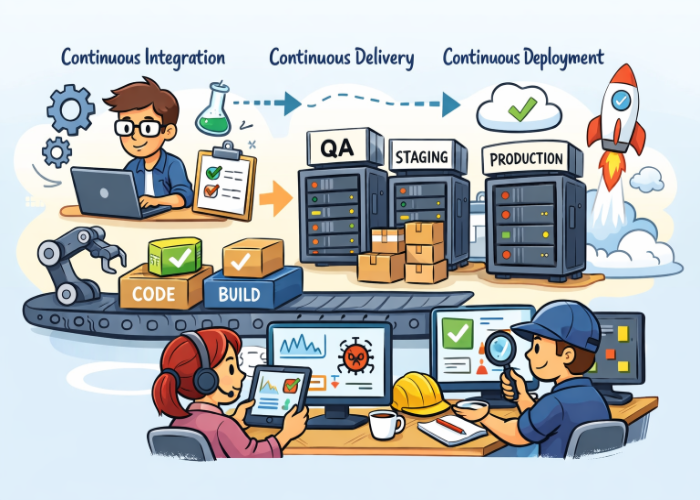
- Keep automated tests in your CI/CD pipeline
- Publish results to Test Plans → Runs
- Do not create automated test cases manually
- Use automation for:
- Regression
- Smoke tests
- API tests
- UI flows
YAML Example: Publish Automated Results
(Kept short here since the blog’s focus is structure, not automation.)
- task: PublishTestResults@2
  inputs:
    testResultsFiles: '**/test-output/testng-results.xml'
    testRunTitle: 'Sprint 5 - Automated Test Results'
    testRunSystem: VSTest
This keeps automated results visible without polluting your sprint test plan.
Conclusion
Structuring your Azure DevOps Test Plans correctly is one of the most impactful things you can do to improve sprint quality. When your test plan mirrors your sprint backlog, separates regression from sprint testing, and maintains clean traceability, your QA process becomes:
- Predictable
- Efficient
- Easy to report on
- Easy to scale
- Fully aligned with Agile delivery
A well-structured test plan isn’t just documentation — it’s a quality system that supports your entire sprint.




🗨️ Reader Comments